
Team training and onboarding
Best Shopify Apps Training That Gets Your Team Confident Fast
Practical, role-based sessions so every tool you pay for gets used properly.
Our best Shopify apps training turns expensive, half-used software into everyday confidence. Specialists who configure these tools for a living run live sessions over Zoom or Google Meet, shaped around your store and each role, from service agents in Gorgias to marketers building Klaviyo flows and operations staff automating with Shopify Flow. You keep the recordings, cheat sheets and process notes, so new starters get up to speed quickly without anyone having to start from scratch again.
Prefer to talk? Call +44 7476 560011 or message us on WhatsApp (opens in new tab)

Why teams underuse their Shopify apps
Every tool in our guide to the best shopify apps can transform how a store runs, but only when people know how to use it. Too often, a brand pays for a powerful platform, a specialist sets it up, and the team ends up relying on a handful of familiar features while the rest go untouched. Knowledge sits with one person, others learn from scattered videos, and small mistakes creep in: a campaign sent to the wrong segment, a refund processed outside policy, a discount code that never expires.
Our training is designed for:
The result is a team that works faster, makes fewer avoidable mistakes and gets real value from every subscription you already pay for, instead of adding yet another tool.
- Brands that have just launched or replatformed and need staff to run the new store with confidence.
- Teams adopting a new tool, such as a helpdesk, reviews platform or email system, who want onboarding that sticks.
- Growing businesses hiring regularly, including seasonal staff ahead of Black Friday and Christmas.
- Founders who want less reliance on agencies for everyday tasks their own team could handle.
- Ecommerce managers who want consistent, documented processes across the whole team.
What our Shopify apps training includes
Each programme is built around your tools, your people and the tasks they handle every week, so sessions feel immediately useful rather than like a generic product tour. Pick individual modules or combine them into a complete programme.
Training needs assessment
We start by learning who uses which tools, how confident they feel and where delays or errors happen today. Short interviews and a review of your setup shape a plan around real tasks, not feature lists.
Shopify admin essentials
Orders, refunds, product updates, collections, discounts, gift cards and customer records, taught on your own store setup so staff learn exactly the screens and settings they'll use every day.
Email and SMS marketing
Marketers learn to build Klaviyo segments, campaigns and flows, read performance reports and test changes safely, so your automations keep improving instead of gathering dust after launch.
Customer service tools
Agents learn helpdesks such as Gorgias in depth: macros, tags, rules, order actions and escalation paths, so customers get quick, consistent answers and refunds follow your policy every single time.
Automation with Shopify Flow
Operations staff learn to read, edit and safely create Flow workflows, understand triggers and conditions, and recognise when to ask for help before an automation touches live orders.
Reviews, loyalty and upsells
Teams learn to moderate reviews, respond to feedback, manage loyalty rewards and adjust upsell rules in tools such as Okendo, Judge.me or Rebuy, keeping customer-facing content accurate and on brand.
Merchandising and content
Content and ecommerce staff learn to edit theme sections, launch landing pages, update navigation and schedule promotions in the theme editor without breaking layouts or slowing pages down.
Reporting and analytics
Managers learn to use Shopify Analytics, GA4 and app dashboards together, which numbers matter for their role and how to spot problems early rather than discovering them at month end.
Security and data habits
Staff learn good account hygiene: 2FA, sensible permissions, handling customer data under UK GDPR and spotting suspicious requests, so convenience never quietly compromises security.
Recordings and quick guides
Every session is recorded, and we write short cheat sheets for common tasks, so knowledge stays inside your business when people change roles, go on leave or move on.
New starter onboarding path
We map an onboarding route for future hires: which recordings to watch, which tasks to practise and who signs them off, so seasonal staff contribute quickly during peak trading.
Follow-up clinic
A few weeks after the main sessions, a question-and-answer clinic tackles real issues your team has met since, reinforces good habits and updates guides where processes have changed.
Payments, shipping and returns admin
Staff learn to handle partial refunds, payment disputes, shipping labels and returns in line with your policy, so the awkward jobs that usually wait for one experienced colleague can be handled by anyone on shift.
Train-the-trainer coaching
For larger teams, we coach nominated champions to run future sessions themselves, with a facilitator guide and practice exercises, so training capacity grows inside your business instead of depending on outside help.
Your team training roadmap
Training programmes follow four stages, from understanding your team to making new habits stick. The schedule depends on the number of tools, roles and people involved, and is fixed in your proposal before sessions are booked.
Stage 1
Assess
- Interviews and a review of your setup reveal skills gaps, risky workarounds and the everyday tasks that take your team longest.
- Each role's must-know tasks are listed and prioritised, so sessions focus on what people genuinely need day to day.
Stage 2
Plan
- A session plan is agreed by role and tool, then scheduled around your trading calendar, shift patterns and holidays.
- Safe practice environments, such as preview themes, test segments or a development store, are prepared in advance.
Stage 3
Train
- Live, hands-on sessions over Zoom or Google Meet, with staff completing real tasks as they learn.
- Every session is recorded, and quick-reference guides are reviewed by a second specialist before they are shared.
Stage 4
Embed
- A follow-up clinic resolves the questions that only surface once staff are working independently in the real store.
- An onboarding path and recorded library keep standards high as new people join your team in future.
Stages, not fixed durations. Timings are agreed with you once the scope is clear.
How a training programme runs
Training follows our 10-step delivery process, adapted for people rather than code. These are the six steps your team will experience from first call to final clinic.

Discovery and NDA
We put an NDA in place first, then agree who needs training, on which tools, and what each person should be able to do confidently afterwards.
Fixed proposal
You receive a written plan listing sessions, attendees, materials and dates, with a fixed price, so there are no hourly bills for extra questions.
Secure access
Trainers log in through least-privilege accounts protected by 2FA, with credentials held in a password manager, and only see the areas of your store each session needs.
Prepare materials
Exercises, practice data and cheat sheets are built around your own store and processes, then checked by a second specialist for accuracy and clarity.
Deliver sessions
Live, interactive sessions run in manageable groups so everyone can practise, with recordings and guides shared afterwards and a weekly update on progress and attendance.
Follow up and offboard
A follow-up clinic checks progress against agreed goals. At the end, our access is removed and any data you shared is returned or deleted.
Tools we train teams to use
We train on the platforms our specialists set up and support every week, so sessions include the practical shortcuts, real-world pitfalls and UK-specific settings you won't find in generic vendor tutorials.
Shopify admin and POS
Orders, products, discounts, customers and in-store selling, from daily basics to time-saving bulk actions.
Klaviyo
Segments, campaigns, flows, forms and reporting, with safe testing habits built in from the start.
Gorgias
Macros, rules, tags, views and order actions for fast, consistent customer service.
Shopify Flow
Reading, editing and building workflows, with clear rules on testing before anything goes live.
Okendo, Judge.me and Yotpo
Review moderation, replies, photo content and request settings that keep social proof flowing.
Rebuy and Boost AI Search & Filter
Upsell rules, merchandising and search settings your ecommerce team can adjust confidently.
Recharge and Loop Returns
Managing subscribers, skips and swaps, plus exchanges and returns handled within your policy.
Matrixify and GA4
Bulk catalogue updates done safely, and analytics reports that answer everyday commercial questions.
Shopify Inbox and Shopify Email
Simpler chat and email tools for smaller teams, taught with templates and response habits that scale as you grow.
The AI angle: training your team to use AI well
AI is now built into the tools your team uses every day. Shopify Magic drafts product descriptions and email copy, Sidekick answers questions and helps with tasks inside the admin, and many apps offer AI-generated replies, subject lines or recommendations. The difference between a useful assistant and an embarrassing mistake is usually training.
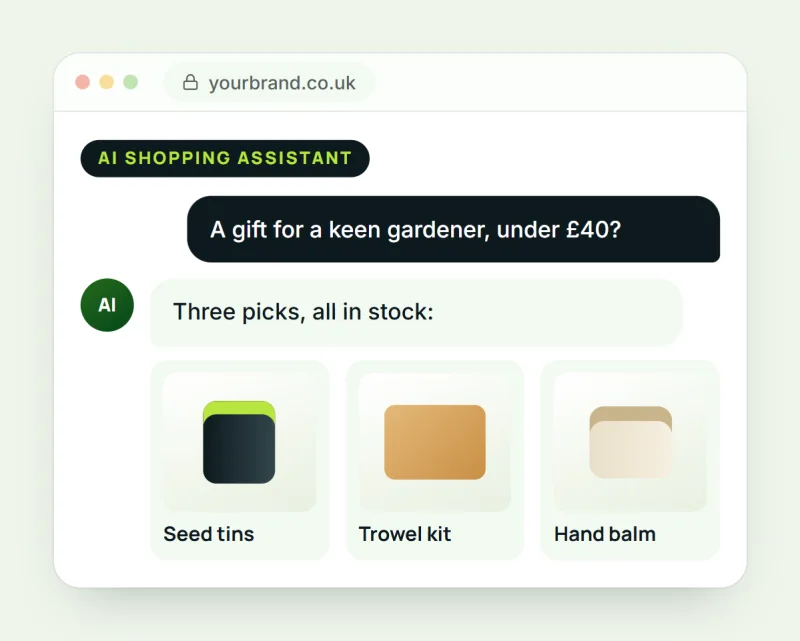
We include AI in relevant sessions, teaching staff to:
The aim is confident, responsible use that saves real time on routine work without lowering the standards your customers expect. Our trainers follow the same careful habits they teach, and your store's data is never used to train AI models. To see where AI could take your store next, explore our AI for Shopify Stores hub.
- write clear prompts that reflect your brand voice, product facts and UK spelling
- check AI output for accuracy, tone and claims before customers ever see it
- use Sidekick for quick reporting and admin tasks without skipping important checks
- avoid pasting sensitive customer data into tools that aren't approved for it
- know when a human answer is better, such as complaints or complex orders
- keep a shared library of approved prompts that the whole team can reuse and improve
App stack
App stack builder: what each team learns
Training works best when it follows your stack and your structure. This benchmark shows the tools we most often train each team on in UK DTC brands, and we adapt it to whatever you actually use.
Popular tools by job
Tool names are examples; trademarks belong to their owners.
Marketing team
Building, testing and measuring the campaigns, flows and feeds that drive new and repeat sales.
- KlaviyoSegments, flows and campaign reporting
- Google & YouTubeProduct feed and Shopping basics
Customer service team
Resolving queries quickly and consistently, always within your refund and returns policy.
- GorgiasMacros, rules and order actions
- Loop ReturnsExchanges and returns handling
Operations team
Keeping catalogue, stock and fulfilment accurate with fewer manual steps and late-night fixes.
- Shopify FlowAutomated tagging and alerts
- Royal Mail Click & DropLabels and despatch routines
- MatrixifySafe bulk product updates
Ecommerce and merchandising
Helping shoppers find, compare and buy more of the right products.
- Boost AI Search & FilterFilters and search merchandising
- RebuyUpsell and cross-sell rules
- OkendoReview moderation and display
Retention and loyalty
Looking after subscribers and loyal customers so they keep coming back.
- RechargeSubscriber management and changes
- Smile: Loyalty & RewardsPoints, rewards and referrals
Training and onboarding pricing
Fixed one-off prices, ex VAT, with every session, attendee group and deliverable listed in your proposal before anything is booked. Vendor subscriptions are billed separately. For wider shopify website cost context, our pricing page has the full picture.
Starter
From £495 one-off, ex VAT
Best for: A single tool configured, connected and taught to your team in a live walkthrough.
What it covers:
- Tool configured and connected
- Recorded live walkthrough
- Quick-reference guide
Growth
From £1,495 one-off, ex VAT
Best for: Up to four tools, with automations, call tracking and role-based training.
What it covers:
- Sessions for each team or role
- Shopify Flow and app automations
- Recordings and cheat sheets
Custom
Get a quote
Best for: Company-wide programmes, onboarding paths or ongoing coaching. Get a quote.
What it covers:
- Training needs assessment
- New starter onboarding path
- Scope agreed after discovery
Fixed prices, agreed before work starts. All prices exclude VAT.
Compare every service on our Shopify pricing page.
Training uses your real data, so it stays confidential
- NDA signed before any data is shared
- Least-privilege access with 2FA
- UK GDPR and data processing terms
- Your data never trains AI models
The most effective training happens inside your own store, which means trainers see orders, customer records, campaign results and internal processes. Every programme therefore runs under NDA, and we treat session recordings and guides as your confidential material. We never publish client names, screenshots from training sessions or details of how any brand runs its team, and trainers only access the parts of your store each session needs.
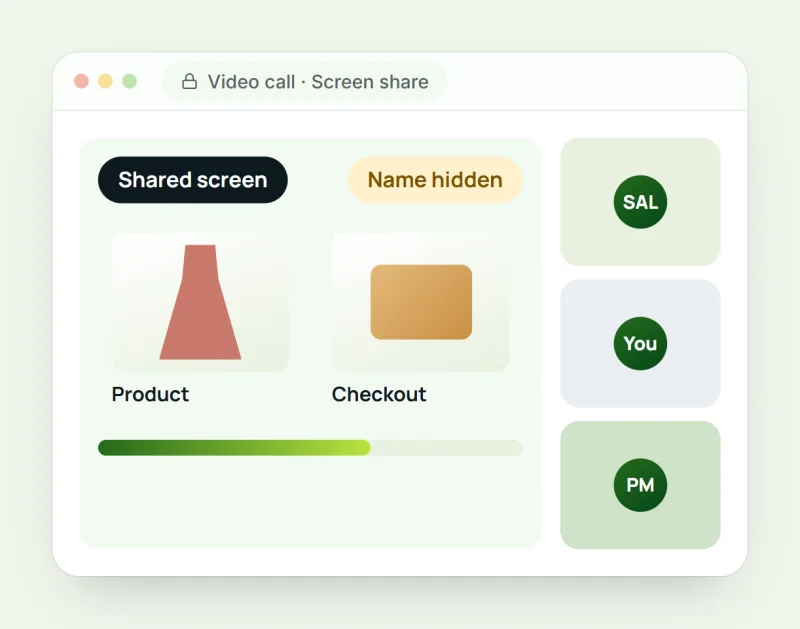
To show how we teach, one of our trainers will host a live screen-share on Zoom or Google Meet with a demonstration store, covering:
- a sample training session plan for a customer service team
- an example quick-reference guide for a common Klaviyo task
- how we teach Shopify Flow safely using test conditions
- the structure of a new starter onboarding path
Training projects carry the protections we apply everywhere: an NDA in place before any data changes hands, a non-solicit agreement, trainer logins secured with 2FA, processing in line with UK GDPR and your data erased when the contract finishes. See our security and privacy page for the detail, and Book a Live Walkthrough to bring along the tool your team finds hardest, so we can show you how we would teach it.
Who is the training for?
Anyone who works in your Shopify store or its apps: founders, ecommerce managers, marketers, customer service agents, operations staff and content editors. We group people by role, so each session focuses on the tasks they actually perform rather than walking everyone through every feature of every tool.
Is training delivered online or in person?
Sessions run live over Zoom or Google Meet, which suits teams spread across offices, warehouses and home working, and every session is recorded. If you would prefer in-person training at your office, mention it during scoping and we'll confirm what's possible for your location.
Do you train on our own store or a demo store?
Wherever it's safe, we train on your own store, so staff learn the exact screens, settings and products they work with. For tasks that could affect live customers, such as sending campaigns or editing automations, we use preview themes, test segments or a development store so nothing goes wrong mid-session.
Which apps can you train our team on?
We cover Shopify admin and POS, plus established apps for email and SMS, customer service, reviews, loyalty, upsells, search, subscriptions, returns and automation, including Klaviyo, Gorgias, Okendo, Rebuy, Recharge and Shopify Flow. If your tool isn't listed, ask and we'll tell you honestly whether we're the right people to teach it.
How long does a training programme take?
It depends on the number of tools, roles and people involved. A walkthrough of one tool for a small team is quick, while a company-wide programme across several apps runs over a few weeks so people can practise between sessions. Your proposal sets out the schedule and fixed price before we begin.
Can you train new starters later on?
Yes. Recordings and quick-reference guides give new starters a head start, and we can build a structured onboarding path for them to follow. You can also book short refresher sessions before peak trading, or whenever one of your tools releases significant new features that change how your team works.
Will training help us rely less on an agency?
That's often the point. Once your team can handle everyday tasks such as building campaigns, editing collections or adjusting automations, paid agency or developer time can focus on genuine improvements. We'll be clear about which jobs are safe to handle in-house and which are better left to specialists.
How do we know the training has worked?
We agree practical success measures upfront, such as staff completing set tasks unaided or handling tickets more consistently, then check them at the follow-up clinic. Short feedback forms after each session also help us fine-tune the remaining sessions while the programme is still running.
Ready to get your team confident in every tool?
Tell us which apps your team uses and where they struggle, and we'll design a fixed-price training programme with live role-based sessions, recordings, cheat sheets and a follow-up clinic that keep paying off for your business long after the last call ends.
Free consultation
Get help with your app stack
Share your details and a member of our team will follow up to arrange a brief discussion.
Tell us about your project
What happens next
- You send your store and project details.
- We follow up to arrange a short call.
- On the call, we talk through your goals and explain how we would scope the work.
Talk to us directly
Waverley House, 9 Noel St, London W1F 8GQ
Phone +44 7476 560011 WhatsApp +44 7476 560011 (opens in new tab) Email hello@shopifyagencylondon.co.ukPrefer the full contact page? Visit our Contact / Free Consultation page.