
Sidekick and Magic setup
Shopify Sidekick and Magic Setup for Busy UK Merchants
Turn Shopify's built-in AI into hours saved every week, not another unused feature.
Shopify Sidekick and Shopify Magic already sit inside your admin, yet most teams barely scratch the surface. We configure both around your catalogue and workflows, write the prompts and checklists your staff need and train them on real tasks, all at a fixed price.
Prefer to talk? Call +44 7476 560011 or message us on WhatsApp (opens in new tab)

What Shopify Sidekick and Magic change for your team
Shopify has built AI directly into the admin your team uses every day, which makes it one of the lowest-risk places to start with AI. Setting it up properly is our most popular first step, and you can see every other option on our AI for Shopify Stores hub.
Shopify Sidekick: an assistant you talk to
Sidekick is Shopify's AI assistant, opened from inside the admin and used in everyday language. Ask how a collection performed last month, where a setting lives or how to structure a promotion, and it works from your store's information to respond. It can also help prepare tasks such as discounts, customer segments and Shopify Flow automations, which a member of your team reviews before saving.
Shopify Magic: AI inside the screens you already use
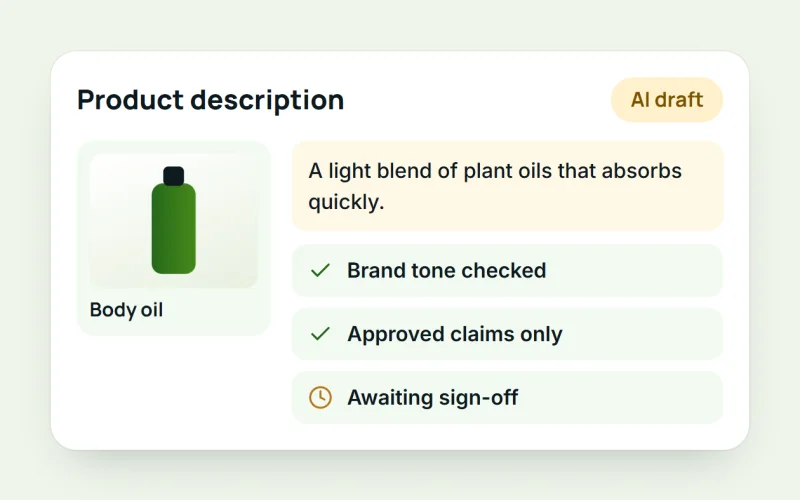
Magic is the name for AI features that appear in context across Shopify. It drafts product descriptions in the product editor, suggests copy in Shopify Email and blog posts, proposes replies in Shopify Inbox and helps edit product images. There is no separate tool to learn, which is exactly why adoption can be quick.
Why setup makes the difference
Out of the box, both tools are generic. Without guidance they write in a neutral, often American voice, and staff use them inconsistently or not at all. A short, structured setup changes that:
- a house style brief that steers every Magic draft towards your tone and British spelling
- a prompt library for the Shopify Sidekick questions your team asks every week
- review checklists so nothing inaccurate reaches customers
- staff permissions matched to each role
Where the tools stop
Neither tool knows your suppliers, your returns history or why a product was reformulated last spring. Neither can judge whether a claim about organic cotton is backed by certification, or whether a discount clashes with a wholesale agreement. That knowledge lives with your people, so every setup we deliver keeps them in charge of decisions while AI handles the groundwork.
The result is less time on repetitive admin and more on product, marketing and customers. For a practical comparison of the two tools, read Shopify Sidekick and Shopify Magic: What UK Merchants Should Use.
Everyday wins with Sidekick and Magic
Four ways UK merchants put Shopify's built-in AI to work once it is properly set up.
Seasonal sale preparation
Before Black Friday or a Boxing Day sale, Sidekick helps prepare discounts and customer segments while Magic drafts the campaign email, leaving your team to check the fine print.
New range copy
When a Brighton swimwear label drops a new collection, Magic produces first drafts in minutes and an editor adds fit notes, fabric details and care advice.
Monday trading check
Ask Sidekick how last week compared with the week before, which products drove the difference and what is running low, all without opening a spreadsheet.
Quicker chat replies
Suggested replies in Shopify Inbox help a small team answer pre-sale questions about delivery or sizing quickly and consistently during busy evenings.
Agentic commerce
How Sidekick and Magic support AI-assisted shoppers
When customers shop through AI assistants, the quality of your store data matters more than ever. Here is where Shopify's built-in AI helps behind the scenes.
Richer product data
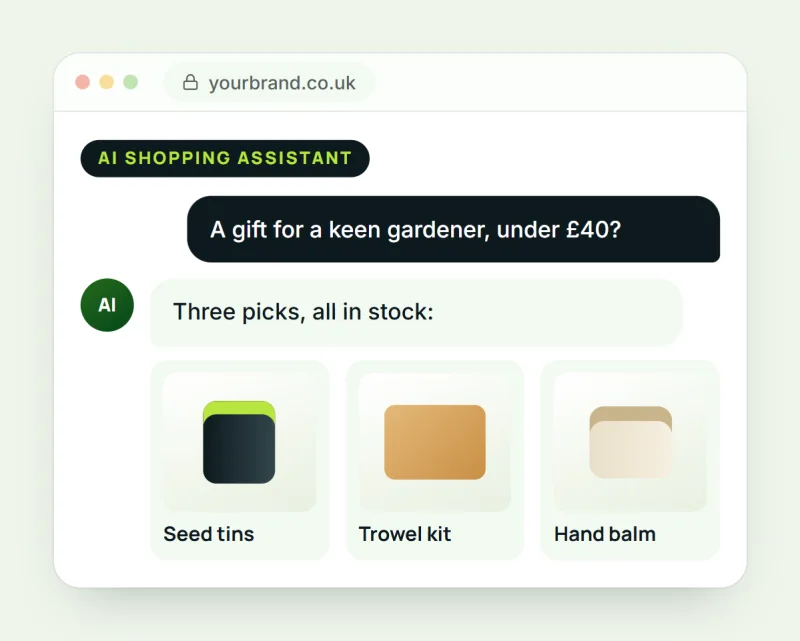
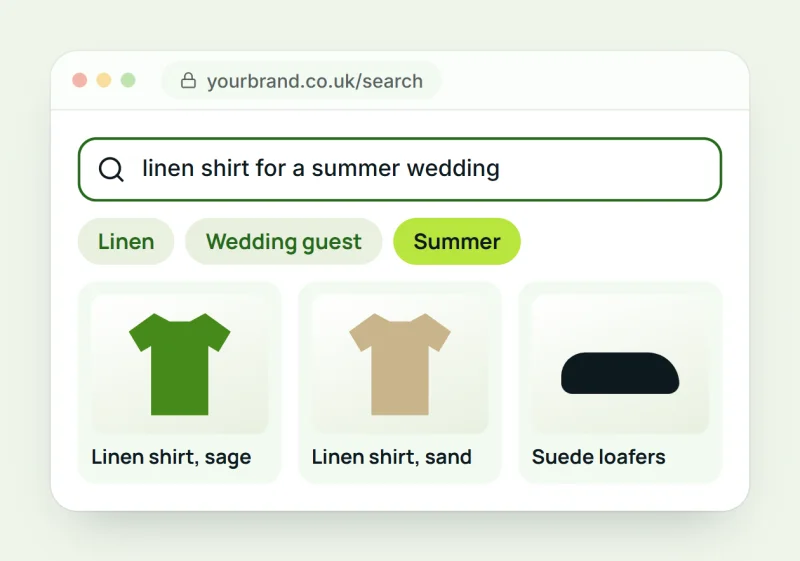
Magic speeds up complete, well-structured descriptions, giving shopping assistants clear facts about materials, sizing and use.
Gaps spotted early
Sidekick helps your team find products missing images, descriptions or key details before an assistant passes them over.
Confident pre-sale answers
Suggested Inbox replies help staff answer delivery and sizing questions quickly when shoppers arrive holding an assistant's shortlist.
Offers that apply correctly
Discounts prepared with Sidekick are checked by a person, so promotions work exactly as advertised at the moment of purchase.
Learning from results
Sidekick helps summarise which products and channels drove orders, so next month's content and stock plans start from evidence.
How we set up Shopify Sidekick and Magic
Want a wider AI plan first? Start with AI Consulting for Shopify Brands. For a focused setup, we follow five steps.
Audit under NDA
We sign an NDA, check which AI features your plan and settings include and list the weekly tasks draining your team's time.
House style and prompts
We write a house style brief and a library of tested prompts for product copy, emails and common Sidekick questions.
Permissions and guardrails
Staff accounts are reviewed so each person holds only the access their role needs, with clear sign-off rules for customer-facing content.
Hands-on training
Your team practises on real tasks, from drafting a new range to preparing a sale, in recorded sessions you keep.
Review after launch
After a month we review what worked, refine the prompts and report progress against the goals we agreed.
Using Sidekick and Magic safely
Built-in tools still need sensible rules. Here is how we protect your data and your brand, with full detail on our data security and NDA page.
NDA before access
We sign an NDA before you share anything, then work from a staff account with least-privilege permissions and 2FA, never your owner login.
Prompts without personal data
Our prompt guides keep customer names, addresses and order details out of free-text requests wherever they are not needed, in line with UK GDPR.
Not used for training
Your client data is not used to train AI models as part of our work, and we explain how Shopify's own privacy terms apply to its tools.
Access removed at the end
When the project closes, our staff account is removed and any exports we held are returned or deleted.
Shopify Sidekick and Magic setup pricing
Fixed, one-off setup fees, shown ex VAT. Questions first? Use our Contact / Free Consultation page.
Starter
From £995 one-off setup, ex VAT
Best for: Sidekick and Magic configured, plus AI search setup
What it covers:
- House style brief and prompt library
- AI-powered site search configured
- Recorded team training session
Growth
From £2,495 one-off setup, ex VAT
Best for: Built-in AI plus one AI agent and automation
What it covers:
- Everything in Starter
- One AI agent for a chosen workflow
- Shopify Flow automations built
Custom
Get a quote
Best for: Multi-store or multi-team rollout – get a quote
What it covers:
- Scope agreed under NDA
- Training for several teams
Fixed prices, agreed before work starts. All prices exclude VAT.
Compare every service on our Shopify pricing page.
FAQs
Shopify Sidekick and Magic setup FAQs
Straight answers before you get in touch. More in our FAQs.
What is the difference between Shopify Sidekick and Shopify Magic?
Sidekick is a conversational assistant: you open it in the admin, ask questions and get help preparing tasks. Magic is a collection of AI features built into specific screens, such as the product editor, Shopify Email and Shopify Inbox. Most teams use both, and our setup assigns each recurring task to whichever tool handles it best.
Why pay for setup when the tools are already in our admin?
Because the value lies in how they are used. Without a house style, tested prompts, review checklists and sensible permissions, outputs drift and staff lose confidence. A structured setup gets your team using Sidekick and Magic consistently within weeks, rather than trying them once, getting a generic answer and quietly going back to old habits.
Can Sidekick help us build Shopify Flow automations?
Sidekick can help outline or draft automations from a plain-English description, depending on the features available in your admin. We treat those drafts as a starting point: our specialists check the triggers, conditions and actions, test them on sample orders and document each workflow so your team knows what runs automatically and why.
Will Shopify Magic write in British English?
It can, if you ask clearly, but results are not always consistent. Words like colour, jewellery and favourite can slip into American spellings, and sizing or measurements may need converting. Our house style brief instructs Magic on spelling and tone from the start, and the review checklist catches anything that gets through.
What happens when Shopify changes or adds AI features?
Shopify updates its AI tools regularly, so a setup is never entirely finished. We note what changed at our follow-up review, update prompts and guides where needed and flag any new feature worth trying. Brands on an SLA support plan can have this handled on an ongoing basis as part of their monthly hours.
Free consultation
Talk to us about AI for your store
Share your details and a member of our team will follow up to arrange a brief discussion.
Tell us about your project
What happens next
- You send your store and project details.
- We follow up to arrange a short call.
- On the call, we talk through your goals and explain how we would scope the work.
Talk to us directly
Waverley House, 9 Noel St, London W1F 8GQ
Phone +44 7476 560011 WhatsApp +44 7476 560011 (opens in new tab) Email hello@shopifyagencylondon.co.ukPrefer the full contact page? Visit our Contact / Free Consultation page.