
For years, Shopify Plus brands customised their checkout by editing a file called checkout.liquid. It was powerful but fragile: platform updates could break custom code, and heavily customised checkouts often missed out on newer Shopify features. Shopify checkout extensibility is the modern replacement, and it changes how every UK merchant should think about checkout. This guide explains the building blocks, what they mean for your store and how to plan the move without losing tracking or functionality along the way.
What is Shopify checkout extensibility?
It is a collection of tools that let you change how checkout looks and behaves without touching Shopify's core checkout code. Each customisation runs in a defined, sandboxed space, so Shopify can keep improving checkout speed, security and payment options underneath while your changes carry on working.
The building blocks
Checkout and accounts editor
Brand your checkout with your logo, colours, fonts and layout settings, and drop in app blocks, all without code. For many brands this covers most of what they once paid a developer to hard-code.
Checkout UI extensions
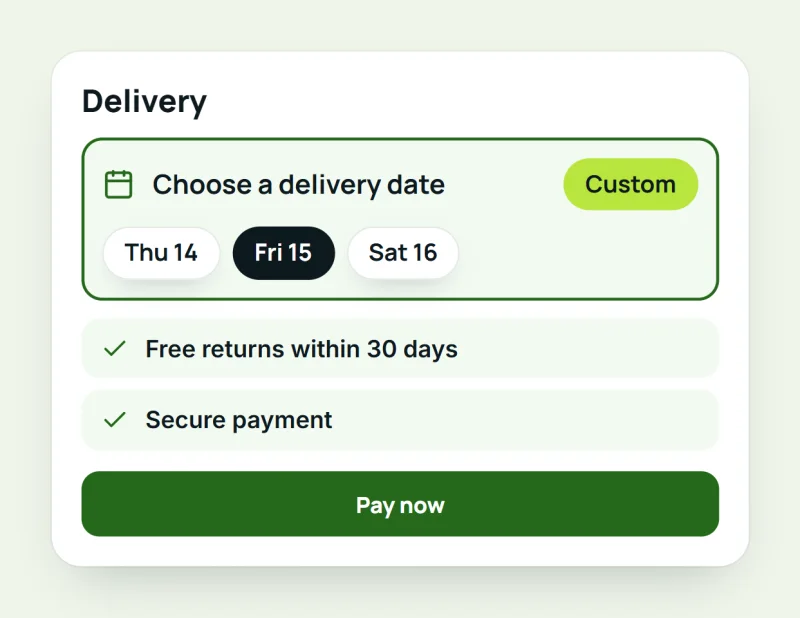
Developers build these inside an app to add custom content and fields: gift messages, delivery notes, upsell offers, loyalty sign-ups or reassurance messages. They render with Shopify's own components, so they look consistent and behave well on mobile.
Shopify Functions
Functions customise back-end logic: discount rules, hiding, renaming or reordering delivery and payment methods, and validating carts before an order is placed. They replace the older Ruby-based Shopify Scripts.
Web pixels
Analytics and marketing tags now run as pixels through Customer events in the Shopify admin, rather than as scripts pasted into checkout or the order status page.
Thank-you and order status pages
These pages use the same extension model, so post-purchase surveys, referral offers and delivery updates are added through apps or extensions instead of scripts.
Where your old customisations now live
If you are moving from a legacy set-up, this map shows where each type of customisation belongs in the new model:
| Old approach | Checkout extensibility equivalent |
|---|---|
| Styling edits in checkout.liquid | Checkout and accounts editor |
| Custom fields and content blocks | Checkout UI extensions |
| Shopify Scripts for discounts and shipping | Shopify Functions |
| Additional scripts for tracking | Web pixels in Customer events |
| Post-purchase scripts on the order status page | Thank-you and order status extensions |
The practical upside is that maintenance shrinks. Because extensions are upgrade-safe, new Shopify checkout features can reach your customers without a rebuild, and your development budget goes on improvements that move conversion rather than on repairs.

What checkout extensibility means for UK merchants
- Delivery: rename or hide delivery options by postcode or basket, for example making surcharges for remote areas clear before customers pay.
- Payments: hide specific payment methods for certain baskets, such as removing buy now, pay later options on gift card orders.
- B2B and wholesale: enforce minimum order quantities or ask trade customers for a purchase order number.
- Compliance: collect marketing consent clearly in line with UK GDPR and PECR, and add age confirmation where your products need it.
How to plan your upgrade
- Audit every current checkout customisation, script and tracking tag.
- Decide what to keep, replace with an existing app or rebuild as a custom extension.
- Rebuild tracking with web pixels and test conversions end to end.
- Test in a development store with real UK addresses, discount codes and wallets.
- Launch outside peak trading and watch orders closely for the first few days.
Some extension points, particularly on the information, shipping and payment steps, are reserved for Shopify Plus, so check your plan before you scope the work. AI is also changing how shoppers arrive at checkout, from assistant-led product discovery to automated recommendations, and our AI for Shopify Stores hub explains where that fits alongside a solid, well-built checkout.
Treat the upgrade as a chance to simplify. Every field, banner and upsell you add should earn its place, because a calm, fast checkout is still your best conversion tool.