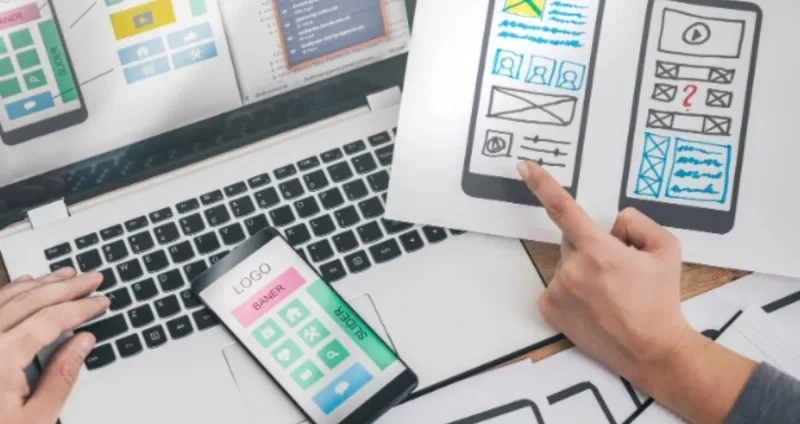
Your Shopify store launched a few years ago and did its job. Since then the range has grown, your customers have moved to their phones and competitors have raised the bar. Sooner or later every growing UK brand asks whether a shopify redesign is worth the investment. Here are the signs it is time, and how to approach the project without putting sales at risk.
Eight signs you need a Shopify redesign
1. Mobile shoppers struggle
Fiddly menus, buttons out of thumb reach and images that crawl on 4G send mobile visitors away before they reach the basket. Review your store on a real phone, not a desktop browser squeezed narrow, and check the journeys that matter most: finding a product, choosing a variant and paying with a mobile wallet.
2. Your theme is out of date
Older vintage themes predate Online Store 2.0, which brought sections to every page, app blocks and easier customisation. If your theme no longer receives updates from its developer, every fix becomes harder and riskier.
3. Simple changes need a developer
Launching a campaign page or reordering a product page should not need a ticket. When every small update waits in a developer's queue, campaigns launch late and good ideas never get tested. A modern section-based theme lets your marketing team build and edit pages themselves.
4. Pages feel slow and cluttered
Years of apps, tracking scripts and leftover code add weight. If tidying up no longer helps, the theme itself may be the bottleneck. Run speed checks on product and collection templates, not just the homepage, because that is where buying decisions happen.
5. Navigation no longer fits your catalogue
Menus designed for forty products rarely work for four hundred. If shoppers rely on search because collections are confusing, your structure needs rethinking.
6. The brand has moved on
A rebrand, a move upmarket or new packaging can leave the store looking like a different company, and that inconsistency erodes trust at the moment of purchase. Photography, typography and tone of voice should feel the same in your social ads, your packaging and your product pages.
7. Conversion is sliding on key templates
If product or collection pages convert worse each quarter while traffic holds steady, the experience is losing ground to competitors. Look at add-to-basket rate and checkout completion separately, as each points to a different problem.
8. New channels do not fit
Wholesale, international markets, subscriptions or in-store selling often need templates and features an older theme was never built for. Selling to EU shoppers, for example, may call for local currencies, translated content and clear duties messaging that a single-market theme handles awkwardly.
Refresh, redesign or rebuild?
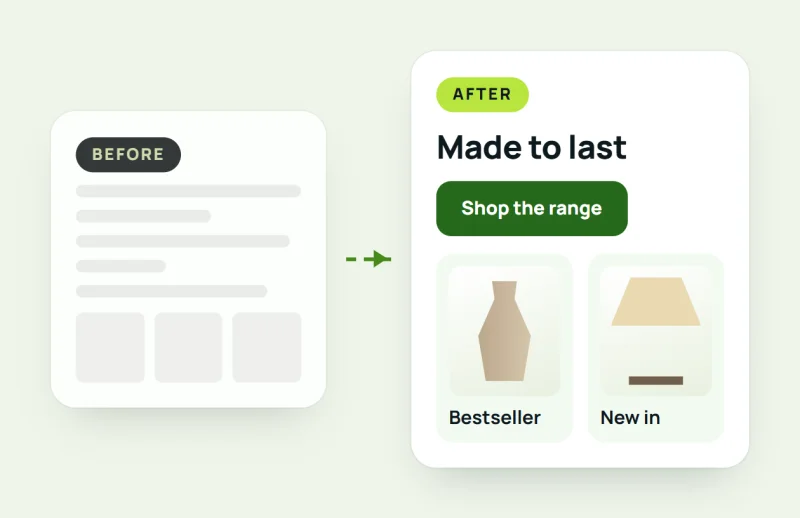
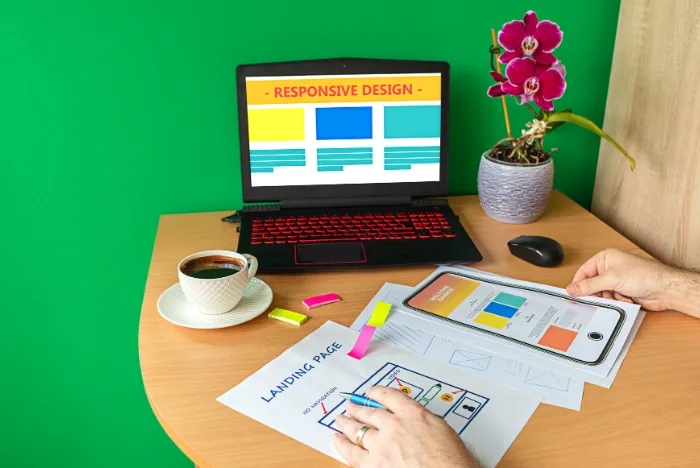
A refresh updates visuals and content within your current theme. A redesign moves to a new or custom theme and rethinks key journeys, while your products, customers, orders and URLs stay on Shopify. A rebuild, such as a headless front end, only makes sense when the storefront must change completely. Most growing brands need the middle option, and a short discovery phase usually makes the right choice obvious.
How to plan a Shopify redesign without losing sales
- Benchmark conversion, average order value and top landing pages before work starts.
- Keep URLs where you can, and map 301 redirects for any that change.
- Carry over page titles, meta descriptions and structured data.
- Test on real devices and browsers, and check keyboard navigation for accessibility.
- Launch outside peak season and watch analytics closely for the first fortnight.
A redesign is also the right moment to tidy product data so it works for AI-powered search and shopping assistants; our guide to AI for Shopify Stores explains where to start.
What a well-run redesign looks like
At Shopify Agency London, redesigns follow the same ten-step process as every project: NDA and discovery, a fixed quote, sprint delivery led by a dedicated project manager, QA with 4-eyes review, staging links for your approval, a go-live checklist with a rollback plan and weekly reporting from kickoff to launch. Every change is reviewed on staging before it goes anywhere near your live store, so customers never see work in progress.